


Call Center
02-518-0680
Call Center
02-518-0680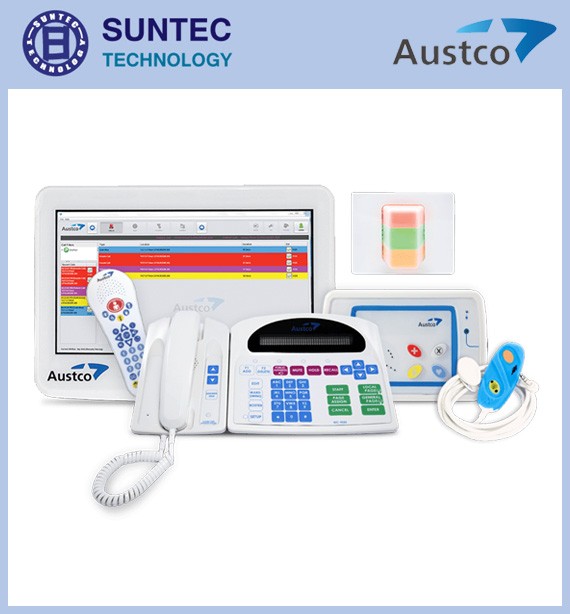
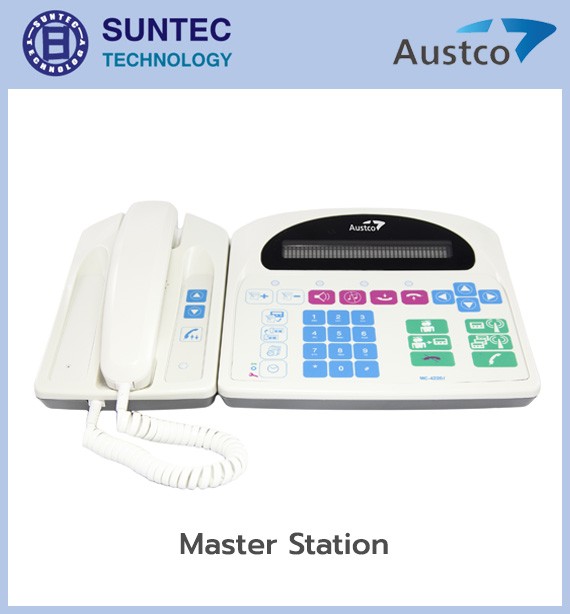
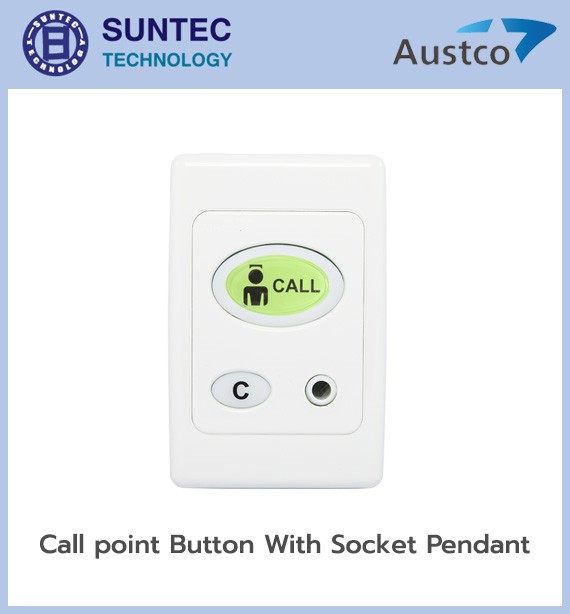
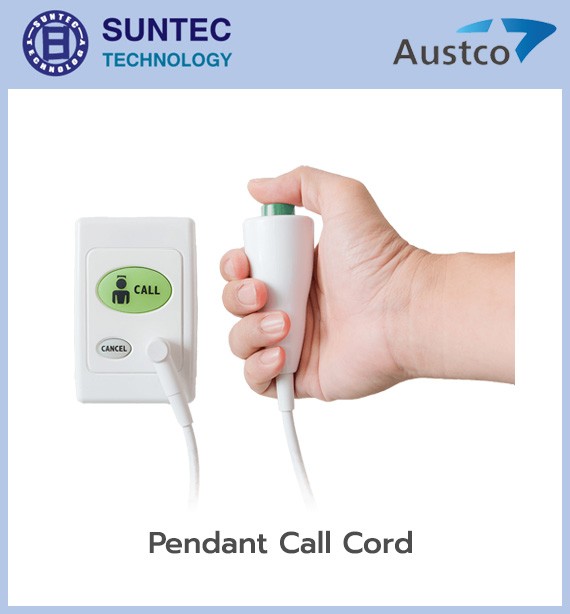
Austco Medicom nurse call system
• A single button covers several call types, such as a bedside call, nurse-present status, a bathroom call, a call for additional assistance and an emergency call (up to 5 in all)
• Connects to other medical equipment, such as IV pumps and bed pad alarms
• Status lights in up to 3 colours to distinguish call types
• Supports swing wards
• Plug-in wiring for easy maintenance
• Calls can be displayed as text or graphics
• Can be networked for management, call logging and reporting
• Calls can be sent to pagers and DECT phones (digital cordless phones)
Austco Medicom is a wired nurse call system designed to be simple to use, stable and good value. It suits hospitals, clinics, rehabilitation centres, geriatric hospitals and long-term care facilities. Call types, priority levels, alerting methods and signal routing can all be adapted to each area.
When a patient presses a call button, the system sends the signal with location data, such as room number, bed number and call type, to the display point or the staff member responsible. The usual sequence is:
The system can assign priority levels and alerting formats to several call types, for example:
The names and number of call types can be adapted to each project's design.
Installed at the head of the bed to connect a handheld call button or other call devices. It can show call status and act as the point where a call is cancelled, depending on how the system is set up.
The patient can hold it or keep it nearby to call a nurse easily. Single-button and multi-button options are available depending on the use. Some devices use materials containing an antibacterial agent and are designed to be cleaned for infection control.
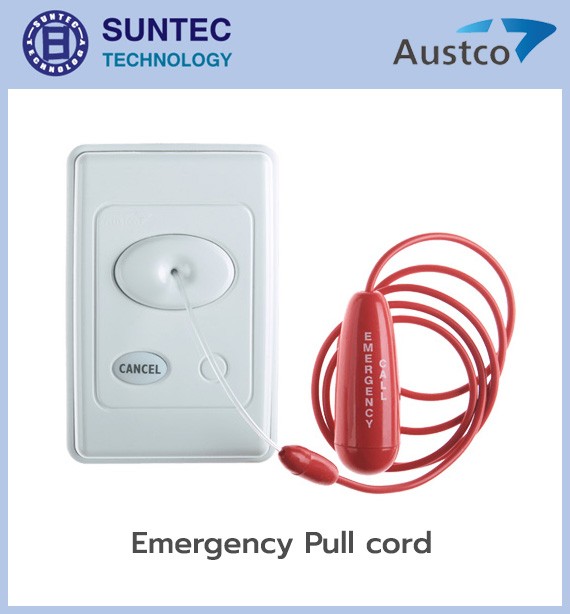
Installed near the toilet or shower area so that a patient can pull for help while seated or after a fall. The cord should be installed so that it can be reached from a low position.
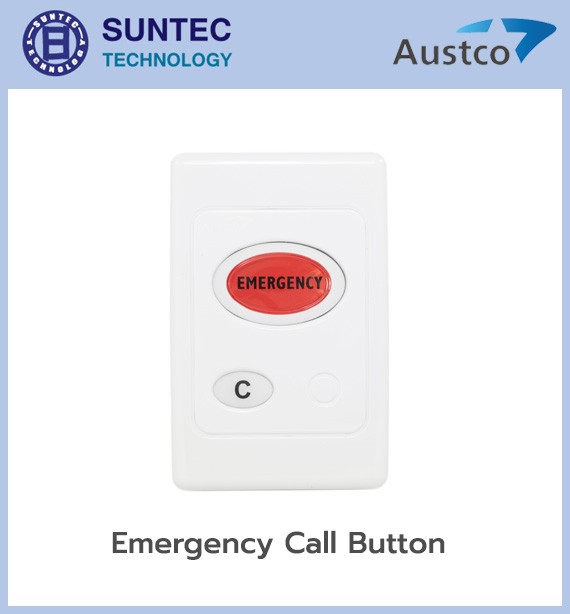
Used in areas that need an urgent response, such as examination rooms, emergency rooms, operating theatres, recovery rooms and critical care rooms. They can be given a tone, light colour and priority different from an ordinary call.
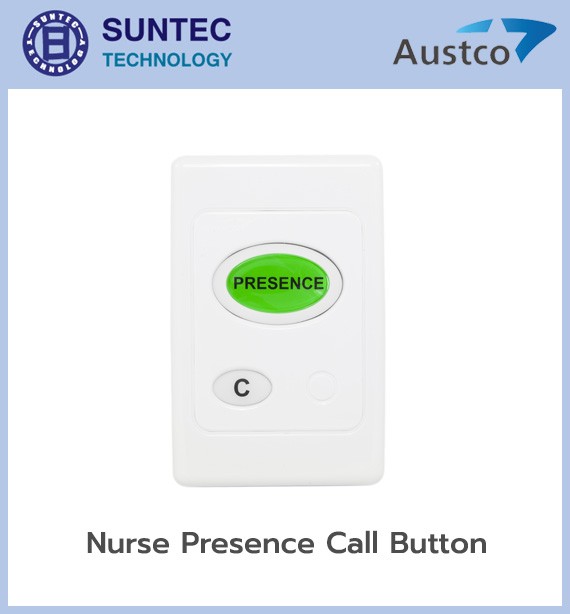
Signals that a nurse or staff member is in the room. It helps distinguish when a patient is being attended to, and works together with the call cancellation process.
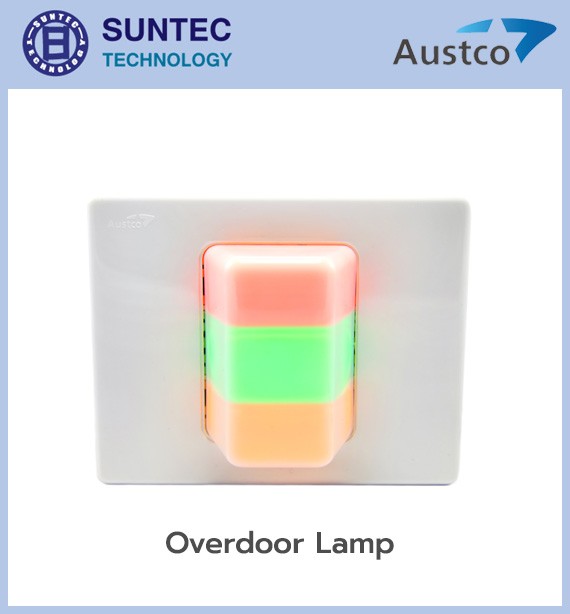
Shows the location and type of call through colour or flash pattern, so that staff can see the event from the corridor. A typical colour scheme is:
The actual colours depend on the project's configuration and standards.
Shows text such as room number, bed, call type and priority, so that staff know where the event is without going back to the nurse counter.
Collects and shows the calls in its area of responsibility, ordered by urgency, with different alert tones for different event types.
The Medicom power supply includes back-up power, battery charging and monitoring, plus status lights and alarms for faults in the mains supply, the battery or the supply circuit. The system keeps running through a power cut for as long as the designed battery capacity allows.
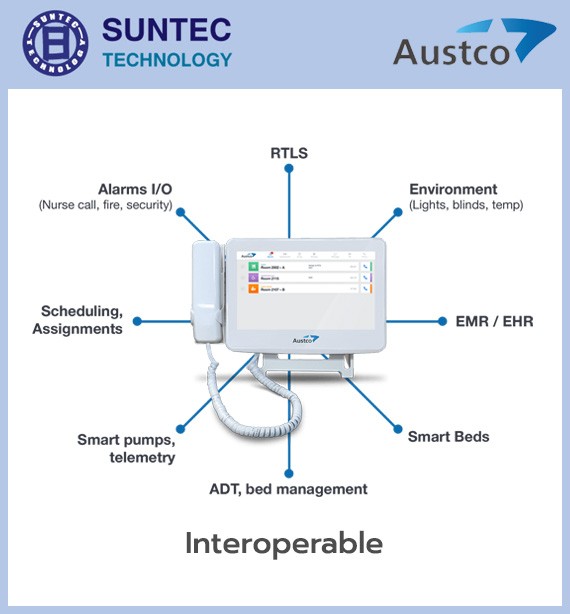
Medicom can be installed with interfaces or add-on platforms to connect to systems such as:
What can be connected depends on the interface, software, device model and system architecture at each hospital.
Medicom belongs to Austco's earlier nurse call range, sometimes called 2G or legacy, but it can still be used in a hybrid architecture with the Tacera platform acting as the centre that receives events from Medicom areas. That adds new capabilities, such as sending calls to mobile phones, reporting, integration with other systems, or upgrading ward by ward, so there is no need to replace the whole system at once.
Note: Details such as beds per circuit, cable lengths, device models, certifications and integration capability should be confirmed from the design drawings and the technical submittal for the models proposed on each project, because Medicom exists in several versions and installation formats.
We have long designed and installed nurse call systems, fire alarm systems
and lightning protection systems for both private companies and government agencies.
A single button supports up to 5 call types, such as a bedside call, a nurse-present status, a bathroom call, a call for extra assistance and an emergency call.
Status lights show the call in up to 3 colours to distinguish the call type, and the display can show either text or graphics.
Calls can be sent to pagers and DECT phones (digital cordless phones), and the system also connects to medical devices such as IV pumps and bed pad alarms.
Yes. Wiring is plug-in for easy maintenance, and the system supports swing wards when ward use has to be reconfigured.
